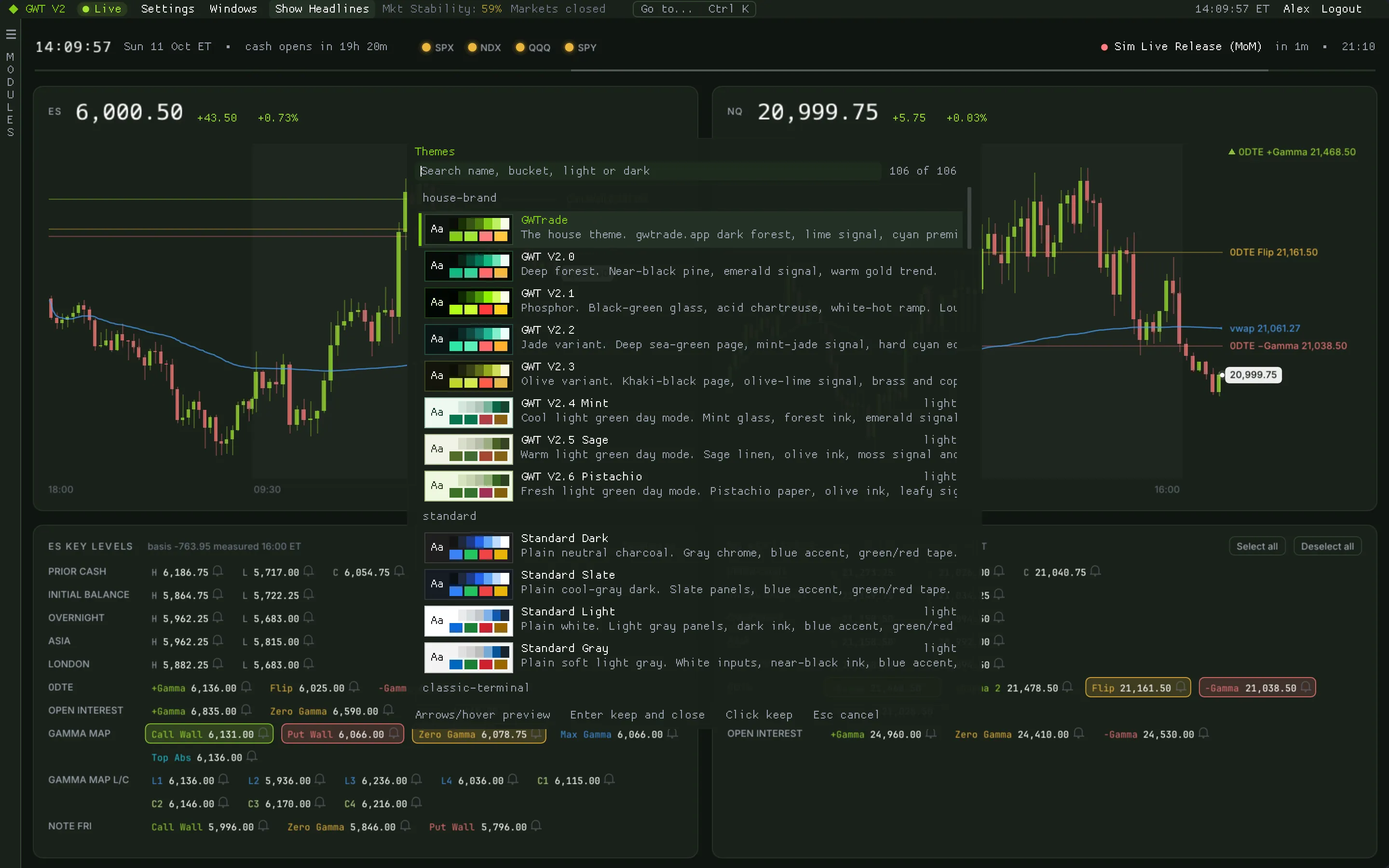
106 themes. Pick one and watch the whole app change.
Open the theme picker with Ctrl/⌘+T, search or scroll, and every chart, heatmap and table repaints as you move through the list. The house palettes sit at the top, then standard dark, light and e-paper themes for long sessions and bright rooms.
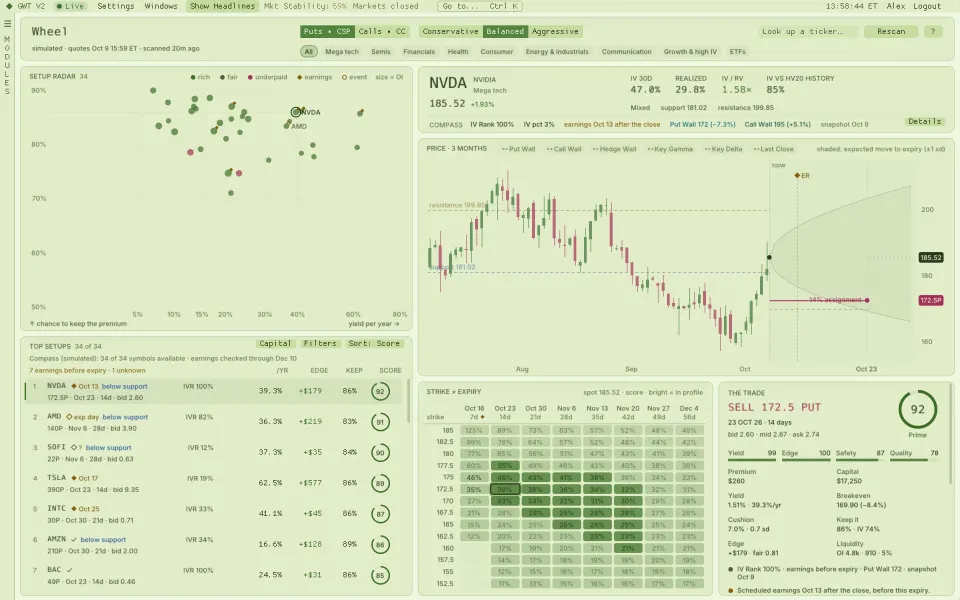
Screenshots: GWT V2 1.0.3 on simulated market data.
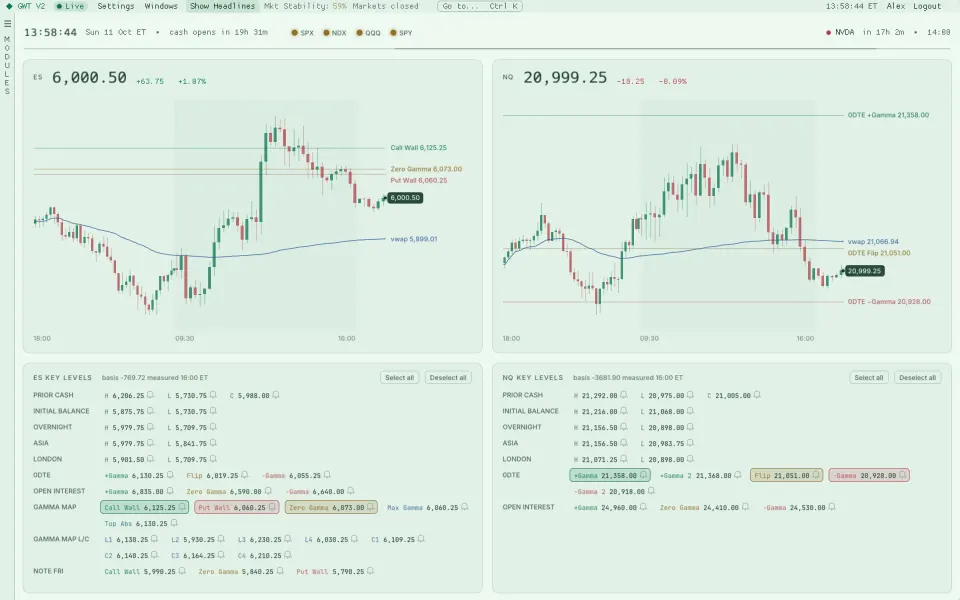
Same modules, day themes
Light when the room is bright.
Data colours stay readable in every theme: bull and bear, walls and flips, heatmap ramps and the community overlays all follow the palette you pick.
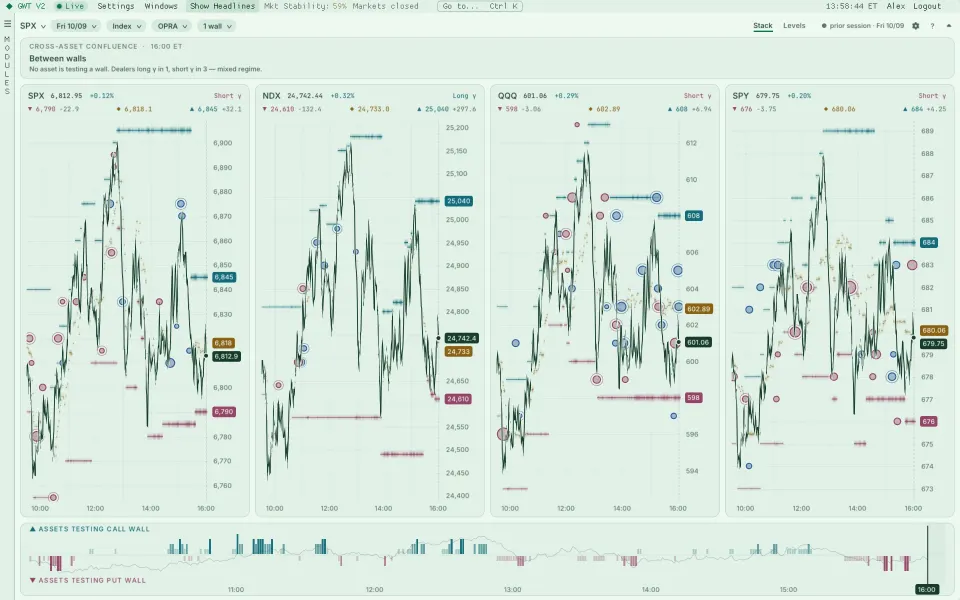
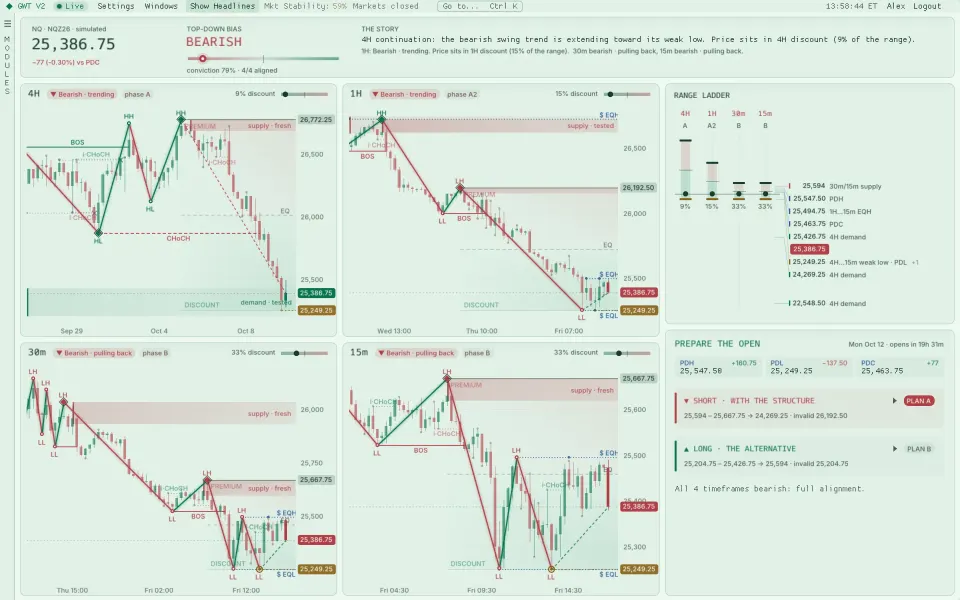
A sample of the palettes
From forest green to paper white.
The default is the house theme, a dark forest green with a lime signal colour. It is also where this website takes its colours from.
- Live preview while you browse, so you see a theme on your own layout before you keep it.
- Search by name, or scroll the groups: house palettes, dark, light and e-paper.
- Heatmap, order book and trade colours can still be set per module and reset back to the theme.
Dark, light and e-paper palettes, with live preview while you browse.
Keep exploring
Related modules
Ready when the open is
Put gamma, flow and liquidity on one screen.
Get your access token, download the app for your Mac or PC and paste the token at sign-in. It takes about two minutes.